Measure What Matters Most for Student Success
The Gallup Student Poll is made up of the voices of over 6 million students from more than 8,000 schools across 1,400 districts. Track the hope, engagement, belonging, and social and emotional learning of your students with the Gallup Student Poll, as these factors are reliable indicators of student success.
Students are feeling the effects of global changes on their experiences at school. The time has never been more important for their educators to listen to their collective voices.
Learn About the Student Experience and Why It Matters
Students' experiences at school -- whether students are in the classroom or learning from home -- largely influence their current and future success. Does a student feel that adults at school care for them? Do they feel like they belong, have hope for their future, and understand and manage their emotions?
Measuring these critical elements of the student experience can accelerate your school's efforts to support student success.
Nine in 10 U.S. school district superintendents say engagement, hope and graduation rate are "very important" measures of school effectiveness. And, students who are hopeful are 2.8 times more likely to say they get excellent grades than their discouraged peers.
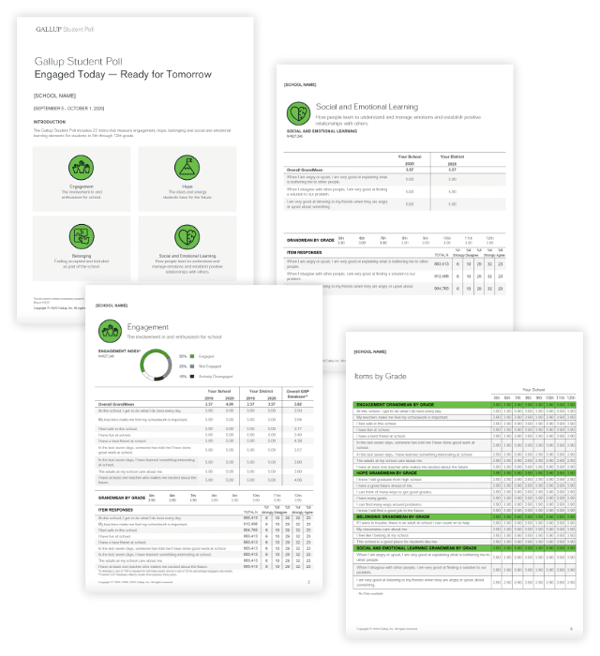
Gallup Education data and analytics show that students' engagement and hope for the future are linked to achievement, grades, absenteeism and plans after high school. We have researched the needs of students, but we want you to know about your students' needs so you can make an even bigger impact in their lives -- and we're here to help.
How to Consistently Guide Students Toward Success
Gallup partners alongside strategic initiatives to measure what matters most to your students. With customized results, you will be well-equipped with actionable data and insights to implement effective changes that build engagement, create hope, increase a sense of belonging, and foster social and emotional learning.
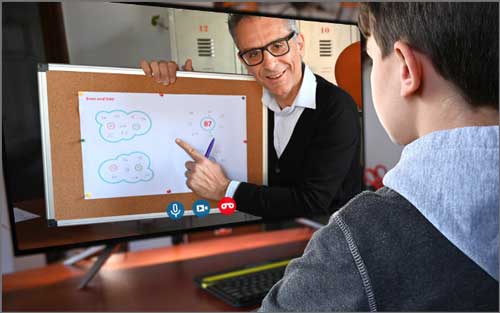
The education industry will remain at the center of the disruptions related to social issues, global crises, rapidly changing technology and remote learning. Now more than ever, educators need to understand students' experiences so they can help students realize their best future.
"Measurement improves performance. As soon as you begin to get a score, people begin to get better at what they do. People will get good at what you measure."
-- Don Clifton, Father of Strengths Psychology and Inventor of CliftonStrengths
Discover the Factors That Lead to Student Success and Wellbeing

Engagement
Students' involvement in and enthusiasm for school

Hope
The ideas and energy students have for the future

Belonging
Feeling accepted and included as part of the school

Social and Emotional Learning
How people learn to understand and manage emotions and establish positive relationships with others
"Nothing happens until someone expects something of you in ways you can achieve."
-- Don Clifton, Father of Strengths Psychology and Inventor of CliftonStrengths
Success begins with setting the right expectations based on measures that confirm what matters most to your students. Get informed so you can expect the things from your students that will help them be engaged and hopeful learners for the rest of their lives.
Connect with a Gallup Education expert to learn more.
Gallup's research, consulting and strategies help education leaders focus on what matters most for improving students' success in school and, ultimately, their careers and lives.